
Jam + Asana
Turn screen recordings into Asana tasks with full dev context
What is Jam?
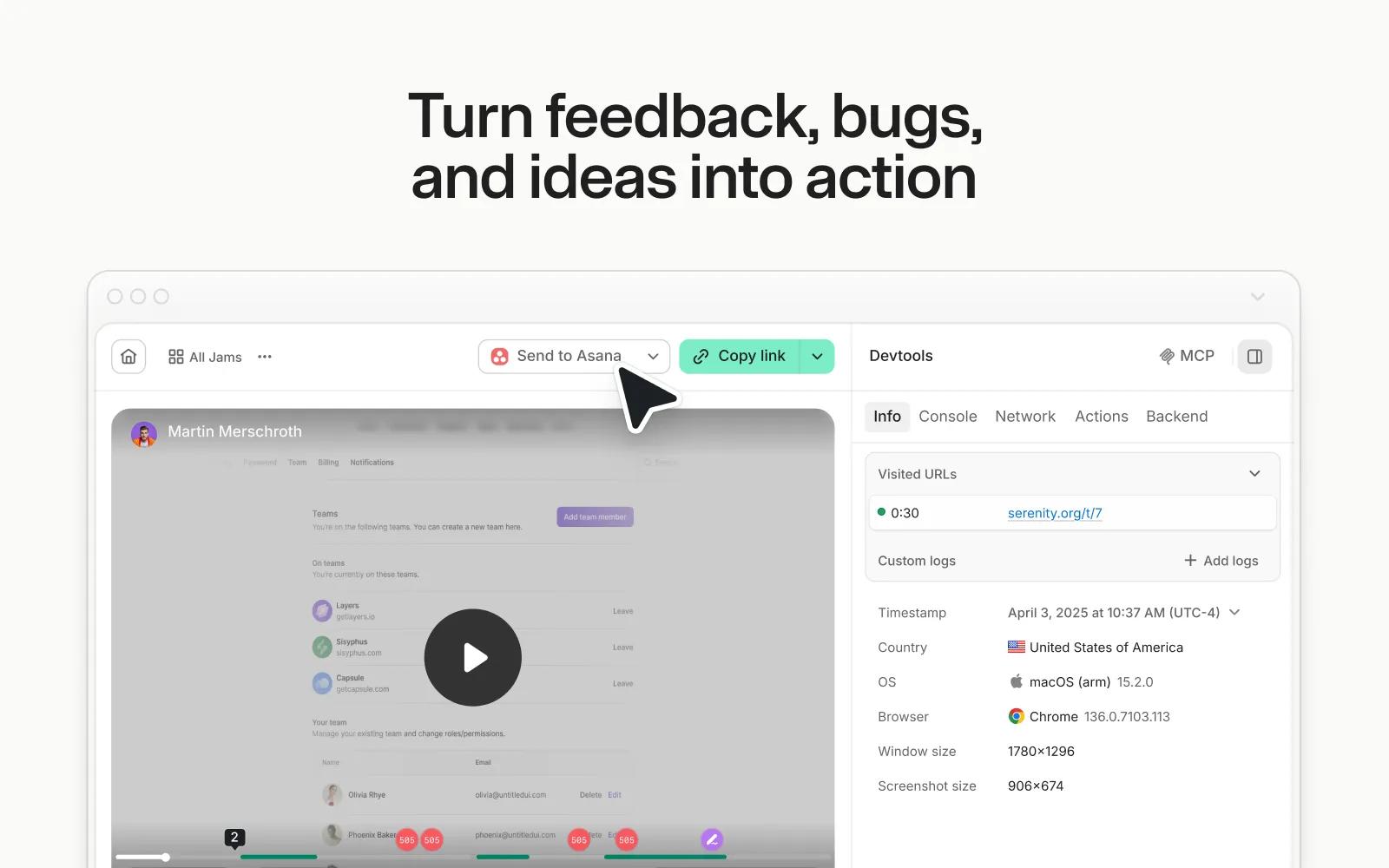
Jam is the smart screen recorder for software teams. Capture bugs, feedback, feature ideas, or customer issues in one click from your browser or iOS app, then send them to Asana as developer-ready tasks.
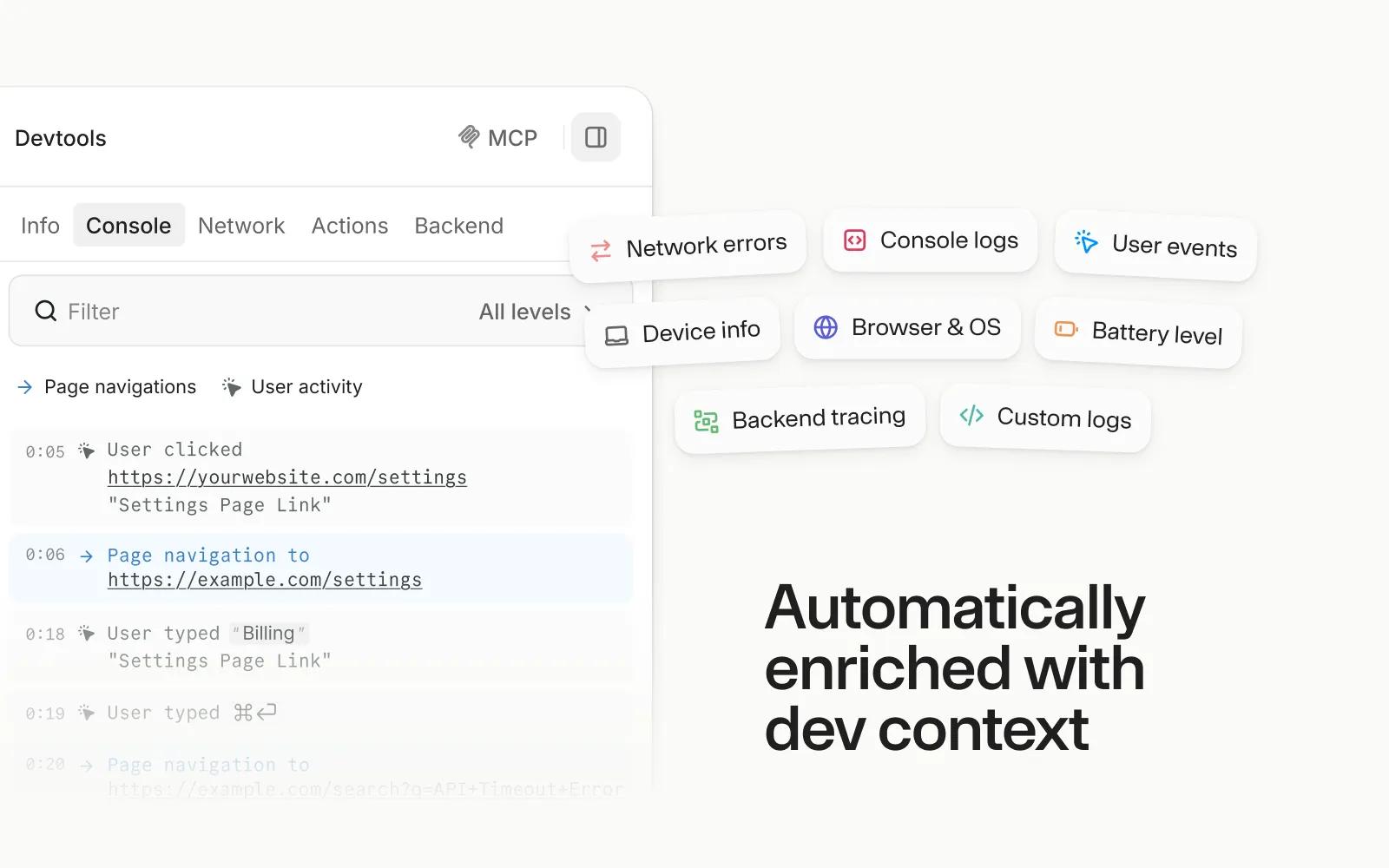
Every recording is automatically enriched with the technical context engineers and AI agents need to understand and resolve the issue, including repro steps, console and network logs, user actions, device information and more.
Creating Asana tasks with Jam is simple:
- Capture a bug, feedback, or QA note with the Jam browser extension or iOS app.
- Click the Asana button on your Jam recording.
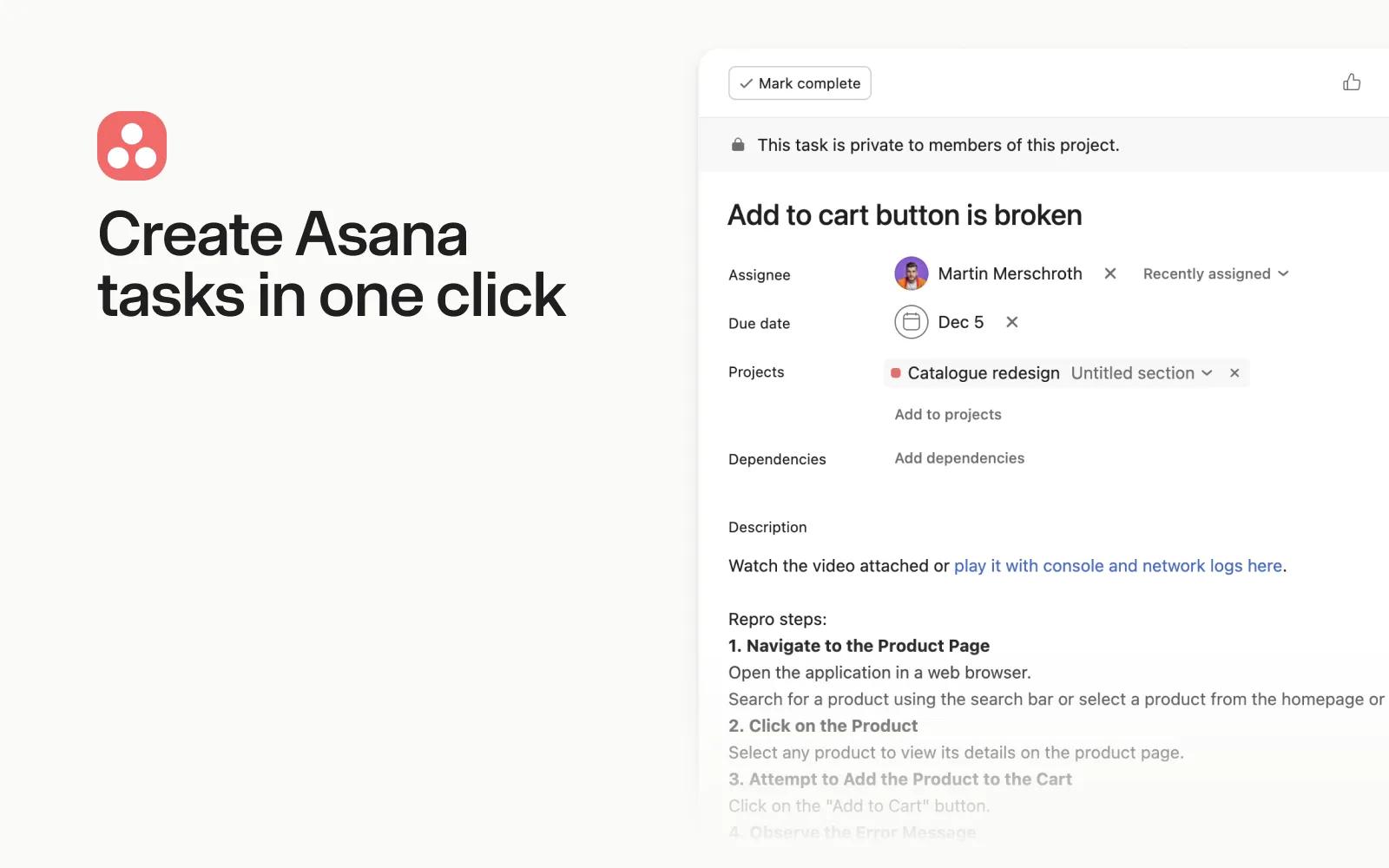
- Fill in native Asana fields like workspace, project, assignee, due date, and tags.
- Get a developer-ready Asana task with the Jam recording and full technical context attached.
How to connect Jam + Asana?
Connect Jam to Asana in three quick steps:
- Create or sign in to your Jam account at https://jam.dev/.
- Open your Jam workspace settings.
- Select the Asana integration and connect your Asana account.
To learn more, visit our docs: https://jam.dev/docs
Learn more and get support
To learn more about using the Jam + Asana integration, visit the Jam website.
If you have questions, feedback, or need support, visit the Jam support page.
Asana does not endorse or certify apps built by third-party developers. If you encounter inappropriate content or behavior, please report it here. Otherwise, please contact the app developer for support.
Collaborate effortlessly with Asana
From the small stuff to the big picture, Asana organizes work so teams know what to do, why it matters, and how to get it done. It's free to get started, simple to use, and powerful enough to run your entire business. Learn more about Asana today.